Easy VHS to DVD for Mac
VHS to DVD Converter and DVD Burner for Mac
- Convert your VHS tapes to DVD or digital
- Capture video from your camcorder or VCR
- Burn videos to DVD with custom menus
- Save to popular file formats

Available at:

VHS to DVD Converter and DVD Burner for Mac
Available at:
It has never been easier to convert your home movie collection to digital. Preserve your treasured memories from the decay of aging VHS, Hi8 and Video8 tapes by converting them to DVD or digital with Roxio Easy VHS to DVD for Mac, and give your videos new life! Capture and share your recovered video memories to share with friends and family in no time!
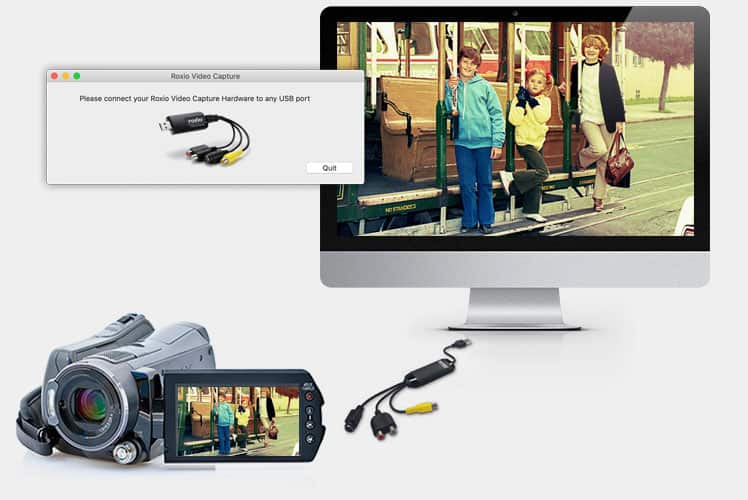
Connect your VHS player or camcorder to your Mac with an RCA cable* and the included Roxio capture device.
*RCA Cable not included
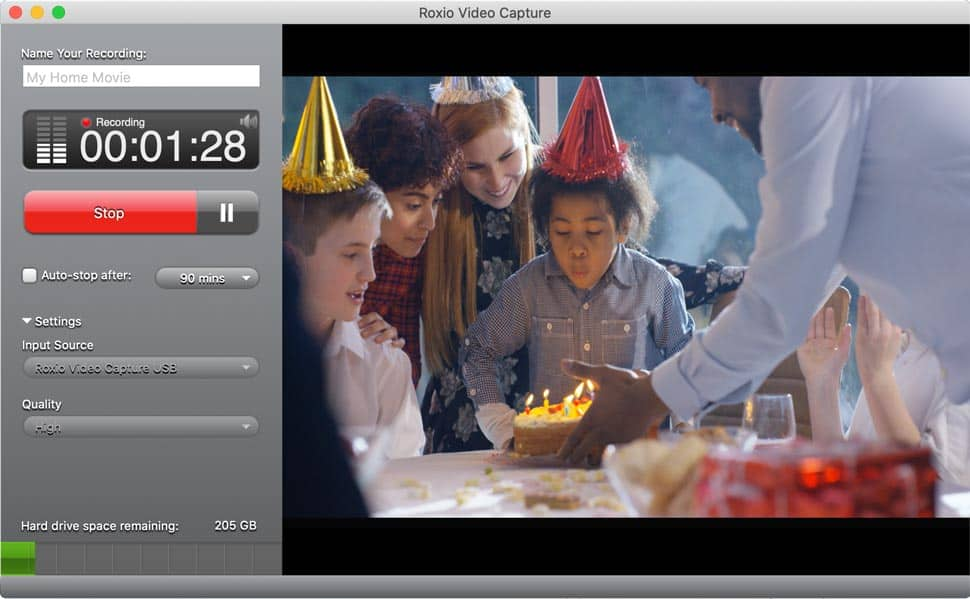
Capture video from your device. Then, preview and trim your video, or import it to iMovie for additional edits.
Save your video to popular digital formats to share online, or burn to DVD with custom chapters and menus with MyDVD.
Connect your VCR or camcorder to your Mac with an RCA cable and the included capture device.
Easily trim or split videos to organize them in the Video panel. Export to your desired video editor to make further edits.
Create a DVD in just a few clicks. Choose from themed templates, and add menus and chapters to your videos with MyDVD.
Here’s what you need to get started with Roxio Easy VHS to DVD for Mac.
Plug in your analog camcorder or VCR with an RCA cable*, and collect your home VHS, Hi8, and Video8 tapes.
*RCA Cable not included
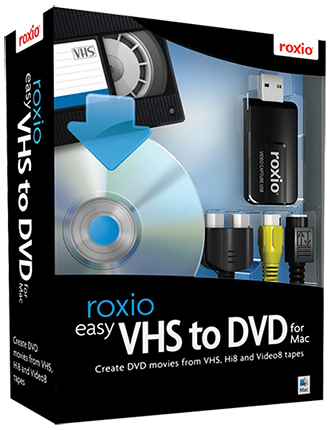
Includes the Roxio Video Capture device and software, and MyDVD disc burning software.
Download step by step instructions on converting your videos to DVD or digital: Download PDF
*RCA cable not included to connect your device to the hardware
System requirements are subject to change without notice.